
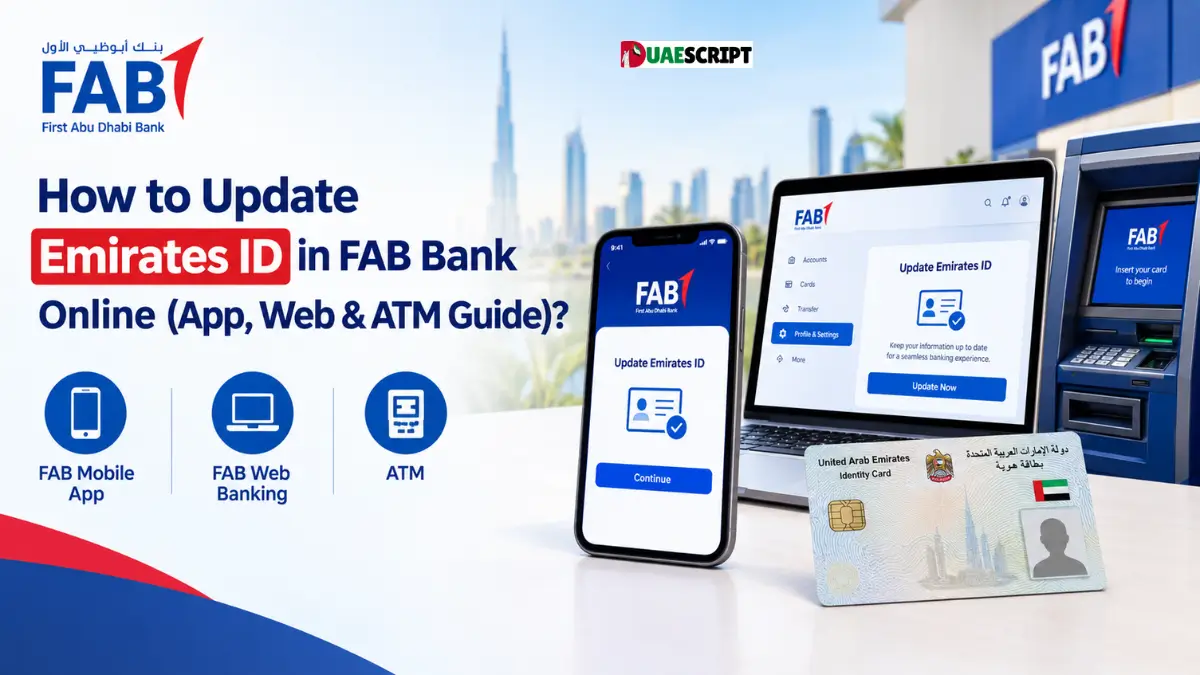
Picture this: you log into your First Abu Dhabi Bank (FAB) account to make an urgent transfer or grab some cash, only to hit a brick wall because your banking profile is locked. Annoying, right? Most of the time, the culprit isn’t a glitch in the system—it’s simply an expired Emirates ID.
Under UAE Central Bank rules, your ID is the bedrock of your banking relationship. When it expires, your Know Your Customer (KYC) profile lapses, triggering automated security blocks that can freeze your account access. The good news? First Abu Dhabi Bank makes it super easy to update your newly renewed Emirates ID from the comfort of your couch, saving you a tedious trip to the branch.
Why Do You Need to Update Your Emirates ID with FAB Right Away?
Think of your Emirates ID as your financial passport in the UAE. It’s way more than just a plastic card.
- Following the Rules: The UAE Central Bank requires all banks to keep customer records strictly up-to-date to prevent financial crime and stay compliant with KYC and AML laws.
- Avoiding Sudden Lockouts: If your ID expires on file, you might suddenly find your debit card declined, online banking logins blocked, or monthly salary transfers delayed.
- Keeping Automated Payments Alive: Everything from your utility bills (DEWA, Etisalat/du) to standing orders and investment portfolios depends on a verified, active KYC status.
Pro-Tip: Don’t wait until your account gets restricted. As soon as your physical or digital card lands in your hands from the ICP (Federal Authority for Identity, Citizenship, Customs and Port Security), jump online and update your bank.
What You Need Before You Start
Before diving into any of the steps below, make sure you have these few things handy:
- Your Renewed Emirates ID: Grab clear photos or scans of both the front and back of your new card. If you’re using the digital version via the UAEICP app, take crisp screenshots.
- Your Registered Phone: The mobile number linked to your FAB account needs to be active so you can receive the One-Time Passwords (OTPs) or app prompts.
- Your Login Info: Know your FAB Mobile app PIN, face unlock, or online banking password.
Method 1: Update via the FAB Mobile App (The Easiest Way)
If you want the quickest route, use the FAB Mobile app. Since your phone is already linked to your secure profile, the bank can verify and process your update much faster.
Step-by-Step Guide:
- Sign In: Open up the FAB app on your phone and log in using your usual PIN, Face ID, or fingerprint.
- Head to Your Profile: Tap on your profile picture or the menu button (usually in the top-right corner) and select Edit Profile or Personal Details.
- Find Documents: Look for the Documents or Identification Details tab.
- Upload Your New ID: Tap the option to update your Emirates ID. The app will ask you to snap or upload clear pictures of the front and back of your renewed card. Make sure all 15 digits and the expiry date are crystal clear.
- Review and Send: Double-check that the dates match your actual card, then hit Submit.
How long does it take?
Usually, the compliance team reviews app submissions within 3 to 4 working days. You’ll get an SMS once it’s all done.
Method 2: Update via the FAB Online Web Portal
Prefer using a laptop or desktop? You can easily handle your documents through the web browser, too.
Step-by-Step Guide:
- Go to the Official Site: Head over to the official FAB online banking website (always make sure you’re on the secure, real site).
- Log In: Sign in with your username and password.
- Open Settings: Go to your Profile Settings or Customer Information area.
- Find KYC Updates: Look for Update Identification Documents or the KYC section.
- Upload Your Scans: Upload clear PDF, JPEG, or PNG scans of the front and back of your new ID.
- Pass the Security Check: Enter the OTP sent straight to your registered mobile number.
- Confirmation: You’ll see a success message on the screen letting you know your request is in the queue.
Method 3: Smart ATMs and Branch Visits
While digital methods handle almost everything, you do have backup options if something acts up.
- FAB Smart Kiosks: Some major FAB branches have smart ATM machines where you can insert your card, navigate to profile services, and scan your new ID right there. Check the branch locator online first to see which locations have this.
- Visiting a Branch: If your account has unique restrictions, business elements, or keeps rejecting your uploads, just head into a branch. Bring your original physical Emirates ID and your passport with your residence visa. A customer service rep can manually update your profile on the spot.
Troubleshooting & Handy Tips
Running into a snag? Here is how to fix the most common roadblocks:
- Image Rejections: If your upload gets rejected, it’s almost always because the photo was blurry, cut off, or had glare from the light. Make sure you take the picture in a well-lit area.
- Mismatched Info: Changed your name, phone number, or job recently? Make sure those changes are officially updated with the ICP before updating your bank, otherwise the system might flag a mismatch.
- Still Pending? If it has been more than 5 business days and nothing has happened, give FAB support a call at 600 52 5500 or chat with them directly inside the app.
Wrapping Up
Keeping your Emirates ID updated with First Abu Dhabi Bank is a quick task that saves you from a major headache later. By using the mobile app or web portal, you can knock it out in just a few minutes from home. Check your expiry date today, keep your accounts running smoothly, and feel free to check out more guides on UAEScript.com for more helpful tips.
Frequently Asked Questions (FAQ)
Can I update my ID with FAB if it has already expired?
Yes, you can, but your account might already have some restrictions. Once you submit the update online, compliance usually restores full access in 3 to 4 business days.
Do I need to visit a branch if I used the mobile app?
Nope! If your digital upload gets approved by the team, you’re good to go—no branch visit needed.
What file formats are accepted when uploading online?
FAB generally accepts standard formats like JPEG, PNG, and PDF files, provided they aren’t overly large.
Does FAB charge a fee to update my Emirates ID?
Not a single dirham. Updating your personal KYC information with the bank is completely free.
How many days does the update take?
It usually takes about 3 to 4 working days, and you’ll get an SMS and email notification once it’s finalized.
Why does my ID upload keep failing in the app?
It’s usually a file size or blurriness issue. Check your connection, retake a clear photo, and try again. If it keeps failing, try the website.
Will my debit card stop working the exact day my ID expires?
Banks usually give a small grace period with warning alerts, but if you ignore it, your card will eventually be temporarily blocked until you update.
Can I update my ID over WhatsApp or phone banking?
For security reasons, ID documents must be uploaded through authenticated channels like the official app or web portal.
What if my phone number changed along with my new ID?
If your phone number changed, you’ll likely need to visit a FAB branch or biometric ATM to update your contact details first.
Does updating my Emirates ID automatically update my passport details too? Unfortunately, no. Your passport and visa are separate records. If your passport was renewed as well, you’ll need to submit a separate update for it.
Related:
Pledge.ae Guide | How to Get Your UAE National Pledge Certificate?
FAB Bank Salary Account Balance Check Online | Quick & Secure
NBAD Balance Inquiry Online in UAE | How to Check FAB, Ratibi, Salary Card and Prepaid Card Balance?
What Is NBAD? | History, FAB Merger & Customer Guide
Share this article

Written by : Barika Awad
Barika Awad is a writer at UAE Script, sharing insightful content on fashion, lifestyle, and personal style with a focus on practical, elegant ideas.
Follow us
A quick overview of the topics covered in this article.
Latest articles
October 19, 2026

October 19, 2026
October 19, 2026