If you’ve lived in the UAE for more than a few years, you probably remember the sheer dread of visa renewal time. It usually meant taking a day off work, driving to a typing center early in the morning, and sitting in a crowded waiting room clutching a plastic folder full of passport copies.
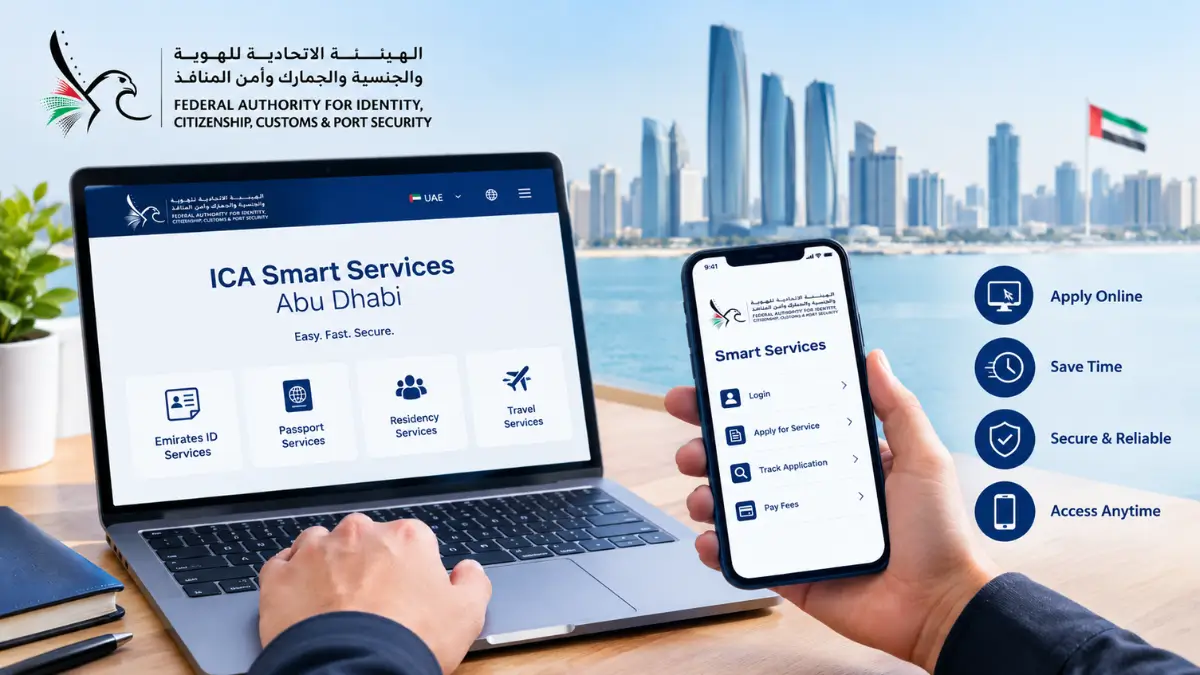
Thankfully, those days are pretty much ancient history. The UAE government has aggressively pushed its services online, and if you’re living in or visiting Abu Dhabi, the ICA Smart Services portal is going to be your absolute best friend.
Before we get into the nitty-gritty, let’s clear up a common mix-up. You’ll hear people constantly talking about the “ICA.” Recently, the government rebranded this authority to the ICP (Federal Authority for Identity, Citizenship, Customs & Port Security). So, if you see “ICP” on the official website but your company PRO keeps calling it the “ICA,” don’t panic. They are exactly the same thing.
Whether you’re a fresh arrival trying to track your first residency visa, a tourist hoping to extend your stay, or a long-term resident who just lost their Emirates ID, here is exactly how to use the portal to get your paperwork sorted out without the headache.
What Are ICA Smart Services?
Think of the ICA Smart Services portal as your digital filing cabinet for your life in the UAE. It’s the federal government’s centralized platform where you can handle almost anything related to your identity, residency, and immigration status. It’s open 24/7, meaning you can pay your visa fees or check your application status at 2 AM from your couch.
The system is pretty smart and adapts to what you actually need based on who you are:
-
Tourists and Visitors: If you’re just visiting Abu Dhabi, you don’t need a massive profile. You’ll mostly use the site to apply for entry permits, check if your tourist visa is still valid, or buy yourself a bit more time with a visa extension.
-
UAE Residents: This is the bulk of the traffic. We use it for the big stuff: renewing our Emirates IDs, sponsoring our spouses and kids, updating our passport details, and keeping an eye on our residency status.
-
Business Owners and PROs: If you run a company in the capital, you get a corporate dashboard. This lets you manage your entire team’s visas, apply for new work permits, and make sure nobody is accidentally overstaying.
Top 5 Essential Services Available on the Portal
The platform has dozens of features, but let’s be honest—most of us are only logging on for a handful of specific reasons. Here are the five most useful things you can do on the site:
1. Visa Applications and Renewals
Nobody likes paperwork, but the portal makes the visa process incredibly painless. Whether you’re applying for a standard two-year employment visa, setting up a dependent visa for your newborn, or getting a freelance permit, it all happens here. You just upload your scans, pay the fee with your card, and wait. The system will even text you if you uploaded the wrong document or if the image is too blurry.
2. Emirates ID Services
In the UAE, your Emirates ID is your lifeline. You can’t rent an apartment, get a post-paid phone plan, or even open a basic bank account without it. The portal handles new applications and your routine renewals. Also, if you ever drop your wallet and lose your ID, you can jump onto the portal and request a replacement card immediately. Another huge perk is the ability to update the phone number linked to your ID, which you absolutely need to do if you want to receive government OTPs.
3. The UAE Golden Visa
The 10-year Golden Visa has been the talk of the town lately. If you’re an investor, an entrepreneur, a doctor, or even an outstanding university student, you might be eligible to sponsor yourself for a decade. You can use the portal to run a quick eligibility check. If you meet the criteria, you can upload your proof (like your property title deed or university transcripts) and track your approval process right from your dashboard.
4. Overstay Fines Inquiry
Let’s say you lost track of time on your tourist visa, or your company took a little too long processing your renewal. Overstaying in the UAE comes with strict daily fines. Instead of finding out you owe a massive penalty at the airport passport control desk, you can use the “Fines Inquiry” tool. It’s completely secure. You just punch in your passport details, see exactly what you owe, and pay it off right there with a credit card.
5. Family Sponsorship
Sponsoring your family used to require mountains of attested certificates and physical stamps. Now, opening a sponsor file to bring your wife, husband, or kids to Abu Dhabi is totally digitized. You upload your attested marriage and birth certificates, your Ejari (tenancy contract), and your salary certificate, and the portal walks you through the rest.
Step-by-Step: How to Register for ICA Smart Services
To actually get things done on the platform, you need to create an account. The UAE has made this ridiculously easy, especially if you already have your smartphone handy.
What you need beforehand: Make sure you have a clear photo of your passport, your current Emirates ID (or your UID number if you just landed), an email you actually check, and an active UAE mobile number.
-
Step 1: Go to the official site: smartservices.icp.gov.ae.
-
Step 2: When you hit login, you’ll see an option to register manually. Honestly? Skip it. Click the button that says “Login with UAE Pass.” UAE Pass is the national digital identity app. If you don’t have it on your phone yet, download it. It lets you log into almost every government website using just your fingerprint or Face ID. It saves so much time.
-
Step 3: If for some reason you can’t use UAE Pass, go ahead with the manual registration. You’ll need to type in your name, nationality, passport number, and your UID (that unique 9-digit number you got when you first entered the country).
-
Step 4: The portal will ping a One-Time Password (OTP) to your phone and send a verification link to your email. Click it, and you’re in. The system is smart enough to pull up your residency file automatically based on your details.
How to Check Your Visa Status Online (The Most Popular Feature)?
If you’re reading this, there is a very high chance you just want to know if your visa is still valid. People do this check millions of times a month, and the best part is that you don’t even need to log in to do it.
-
Step 1: Go to the homepage of the ICP Smart Services site and find the “Public Services” section. Click on the option labeled “File Validity.”
-
Step 2: The site will ask if you want to search by your File Number or Passport Information. Always pick Passport Information—it’s just easier because you probably have your passport number memorized. Select whether you’re looking up a “Visa” (for tourists) or “Residency” (for expats living here). Then, type in your passport number, its expiration date, and pick your nationality from the list.
-
Step 3: Do the quick math CAPTCHA, hit search, and look at the status:
-
Active: You’re good to go. It will show you exactly what day your visa expires.
-
Expired: Your time is up. You need to renew ASAP or leave the country to stop the fines from piling up.
-
Cancelled: Your job or sponsor has legally cancelled your visa.
-
Under Process: Your paperwork is currently sitting on an immigration officer’s digital desk being reviewed.
-
ICA vs. GDRFA: Which Portal Should You Use?
This is easily the biggest point of confusion for expats, so let’s break it down simply.
The Rule of Thumb: In the UAE, immigration is handled both by the federal government and by individual emirates. If your visa was issued in Abu Dhabi, Sharjah, Ajman, Umm Al Quwain, Ras Al Khaimah, or Fujairah, you are going to use the ICA/ICP portal for practically everything.
The Dubai Exception: If you live and work in Dubai (meaning your visa was issued by Dubai Immigration), you have to use a different system called the GDRFA (General Directorate of Residency and Foreigners Affairs) for your visa stuff. However, because the Emirates ID is a federal card, even Dubai residents still have to deal with the ICA portal when it comes to getting their physical ID cards printed or updated.
Conclusion
Moving away from paper forms and crowded typing centers to the slick, digital ICA Smart Services portal has honestly been a game changer for everyone living in Abu Dhabi. Once you get the hang of the platform, set up your UAE Pass, and learn where the status checkers are, you’ll realize just how much control you have over your own paperwork. It saves you money, cuts out the middlemen, and frees up your time.
If this guide helped you figure out your visa situation, make sure to bookmark it for your next renewal, and send it to that friend who just moved to the UAE and is entirely confused by the process!
Frequently Asked Questions
1. Is it called the ICA or the ICP?
They are the exact same thing. The government changed the name from the Federal Authority for Identity and Citizenship (ICA) to the Federal Authority for Identity, Citizenship, Customs & Port Security (ICP). People just still use the old name out of habit.
2. How long does it actually take to get an Emirates ID?
Once you’ve done your fingerprinting (if you’re a new resident), the physical card usually arrives at your local post office in about 5 to 7 working days. But you can get a digital copy on the ICP phone app almost instantly once it’s approved.
3. Do I need my Emirates ID to check my visa status?
Nope. You can pull up your visa status using just your passport number and expiry date.
4. What is the real, official website?
Be careful with Google searches because there are some sketchy typing center sites out there. The only official government portal is smartservices.icp.gov.ae.
5. How do I get a human on the phone if I have a problem?
If your application is stuck, you can call the ICP toll-free inside the UAE at 600 522 222.
6. Can I just pay my overstay fines online and be done with it?
Yes. Use the “Fines Inquiry” tool on the public homepage. You can find your fine using your passport details and clear it right there with your debit or credit card.
7. Do I really need to download UAE Pass?
You don’t have to, but you really should. It makes logging into any government site a one-second process and saves you from remembering a dozen different passwords.
8. What’s the difference between a File Number and a UID?
Your UID (Unified Number) is yours for life. You get it the first time you cross the UAE border. Your File Number is tied to your specific visa. If you switch jobs, your File Number changes, but your UID stays exactly the same.
9. How long can I stay after my visa is cancelled?
The laws recently relaxed a bit. Most expats now get a grace period of up to 6 months (180 days) after cancellation to find a new job or pack up and leave without getting fined.
10. How do I change the phone number on my Emirates ID?
You don’t need to visit a center for this anymore. Just log into the portal, go to the “Update Personal Information” section, and enter your new number. It costs around AED 50 to process the change.
More to Checkout:
ADCB 365 Cashback Credit Card Review | Benefits, Fees & Fine Print
How to Check NBAD / FAB Ratibi Card Statement Online?
How to Check Balance in NBAD Card? | Complete Guide for FAB/NBAD Card Users
Share this article

Written by : Barika Awad
Barika Awad is a writer at UAE Script, sharing insightful content on fashion, lifestyle, and personal style with a focus on practical, elegant ideas.
Follow us
A quick overview of the topics covered in this article.
Latest articles
October 13, 2026

October 13, 2026