
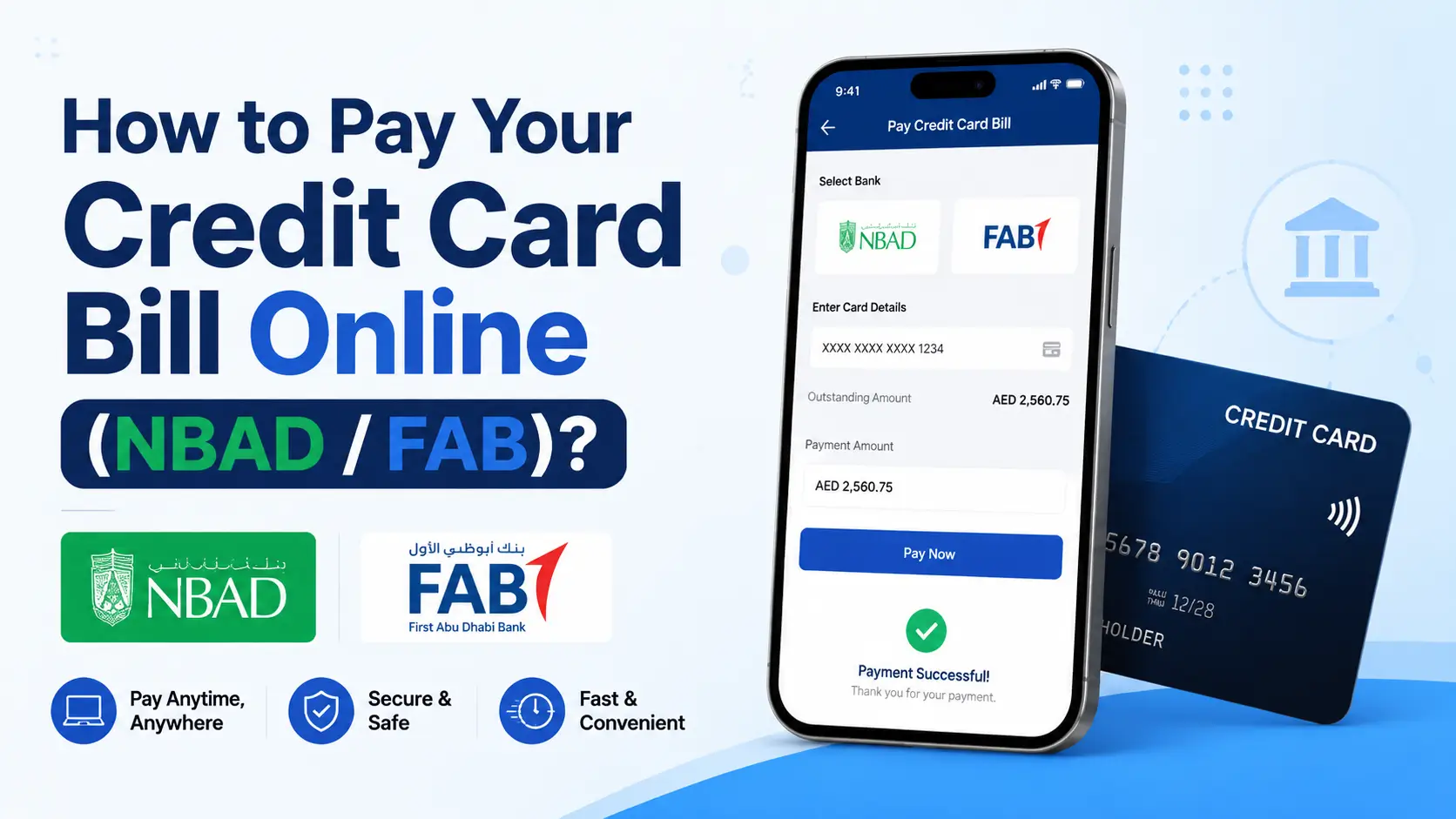
If you’ve been trying to figure out the best way to pay off your NBAD credit card online There’s a thing you should be noting upfront: NBAD no longer exists as a bank that is a stand-alone entity. National Bank of Abu Dhabi joined forces together with First Gulf Bank back in 2017. The result was First Abu Dhabi Bank (FAB) one of the world’s biggest banks in terms of assets. Therefore, if you’re still carrying any credit cards issued by NBAD the card is now completely serviced within FAB. FAB banking system. Same account, the same number of cards generally, it’s simply a new home on the internet.
This article walks you through each online option you can use today to settle the FAB (formerly NBAD) credit card charge, step-by-step to help you stay clear of late charges and keep your credit score in good shape.
Why NBAD Is Now FAB
The 2017 merger merged the strength of NBAD’s region and FGB’s retail banking platform and created one of the most significant banks within the Middle East. The majority of the legacy NBAD credit cards, salary accounts as well as Ratibi Recharge cards operate on FAB’s web-based banking platform as well as mobile application. If your statements still show an old NBAD logos, don’t fret that your options for payment are the same just like a standard FAB credit or debit card.
Online Payment Methods for Your Credit Card Bill
1. FAB Online Banking: Log in to FAB’s internet banking site, choose your credit or debit card, then make payments using an associated FAB account, or from an alternative UAE banking account.
2. FAB Mobile App: The quickest alternative for most customers. It is available on iOS as well as Android the app allows you to see your bill, make reminders, view your statement, and make payments instantly with biometric credentials.
3. UAEFTS Transfer: If you have a bank account somewhere else within the UAE you can make payments through the UAE Funds Transfer System using your IBAN as well as the beneficiary’s details. It is useful for a one-time payment via an account outside of the UAE.
4. Direct Debit Standing Instructions: Create an automated monthly debit to ensure that you pay your bill in time, without having to do manual work each cycle.
Step-by-Step: Paying Through FAB Online Banking
-
Go to the FAB’s official FAB site and sign in to your bank account on the internet.
-
You can go through your “Credit Card” section from your dashboard
-
Choose “Pay Bill” next to the appropriate card
-
Choose the payment account (FAB account, or an added external beneficiary)
-
You can enter the figure — minimum due, balance on statement or an individual figure
-
Recheck and confirm. You’ll get an instant confirmation as well as receipt.
Step-by-Step: Paying Through the FAB Mobile App
-
Start FAB Mobile. Open the FAB Mobile app and log into the app using your login credentials or your fingerprint/Face ID.
-
Select your credit card in the account overview
-
Choose “Pay” and choose the financing source.
-
Verify the amount of your payment and confirm the amount to make the payment using OTP or biometric authentication
-
Digital receipts are instantly generated for your files
Other Ways to Pay (If You Prefer Not to Pay Online)
-
FAB ATMs for Cash place cash in direct debit against your credit card at certain places
-
FAB Branch – Pay in person by using your Emirates Card and ID
-
Customer Service Line is available to get assistance with a guided approach when you encounter problems with your payment
Tips to Avoid Late Fees and Interest
-
Create payment reminders few days in advance of the due date
-
Make a plan to have a standing-instruction to ensure that payments are never missed
-
Always make sure to pay the entire account balance as soon as you can to prevent interest building up
-
Maintain your registered mobile number up-to-date for approvals based on OTP
-
Every month, you can download an e-statement for a record of the amount of money spent and any due payments
The process of paying your credit card bill online, whether being branded NBAD or has been fully converted into FAB labeling — can take only a couple of minutes after the online banking and account access has been established. It’s all about consistency. Choose one option to automate the process if you’re able to, and ensure that you pay the bill before the payment due date.
Frequently Asked Questions
1. Is NBAD an independent institution in the UAE?
No. NBAD has merged with First Gulf Bank in 2017 and became First Abu Dhabi Bank (FAB) and now oversees the entire former NBAD accounts and credit cards.
2. Do I have to use my original NBAD credit card?
Yes, as long as it’s not expired. It is a part of FAB’s system which allows you to pay or handle it using FAB’s online banking app and website.
3. What can I do to pay the FAB (NBAD) credit card charge on the internet?
Log in to FAB Online Banking or the FAB Mobile application. Go to the section for credit cards Select “Pay Bill,” and select the source of funding you want to use.
4. Are there any fees when I pay my credit card on the internet?
FAB generally offers fee-free payment through its own channels which include online banking, its application, as well as cash deposits.
5. What happens if I transfer funds using an alternative UAE banking account?
It is possible to utilize UAEFTS for transfer of funds with your IBAN data, or even make your card the beneficiary of your previous account’s application.
6. What is the time frame that the online payment for credit cards needs to be processed?
Paying from a FAB account usually happens instantly however, bank transfers from outside may take up to 2 working days.
7. Are there ways to set up automatic payment to the credit card I use?
Yes, with the use of a Direct Debit standing instruction, which can be arranged through FAB’s customer service, or via bank online.
8. How will I deal with it if I pay the minimum due?
The account remains in good standing. However you’ll be charged interest for the rest of your account until it is settled fully.
9. How do I find the current NBAD/FAB credit card balance?
Sign in to your FAB Mobile app or online banking dashboard. Your account balance as well as your statement will be displayed in real-time.
10. Who do I contact if my online payment fails?
Call FAB’s 24/7 customer support line to assist with troubleshooting and for confirmation that your payment was accepted.
More to Read:
FAB Bank Salary Account Balance Check Online | Quick & Secure
NBAD Balance Inquiry Online in UAE | How to Check FAB, Ratibi, Salary Card and Prepaid Card Balance?
How to Check Balance in NBAD Card? | Complete Guide for FAB/NBAD Card Users
Share this article

Written by : Arbish Habeeb
Arbish Habeeb is a finance and government services correspondent at UAE Script. She specializes in UAE regulatory updates, labor laws, corporate compliance, and personal finance strategies, translating complex legal frameworks into clear, actionable guides for expatriates and businesses across the GCC.
Follow us
Latest articles

November 2, 2026

November 2, 2026