
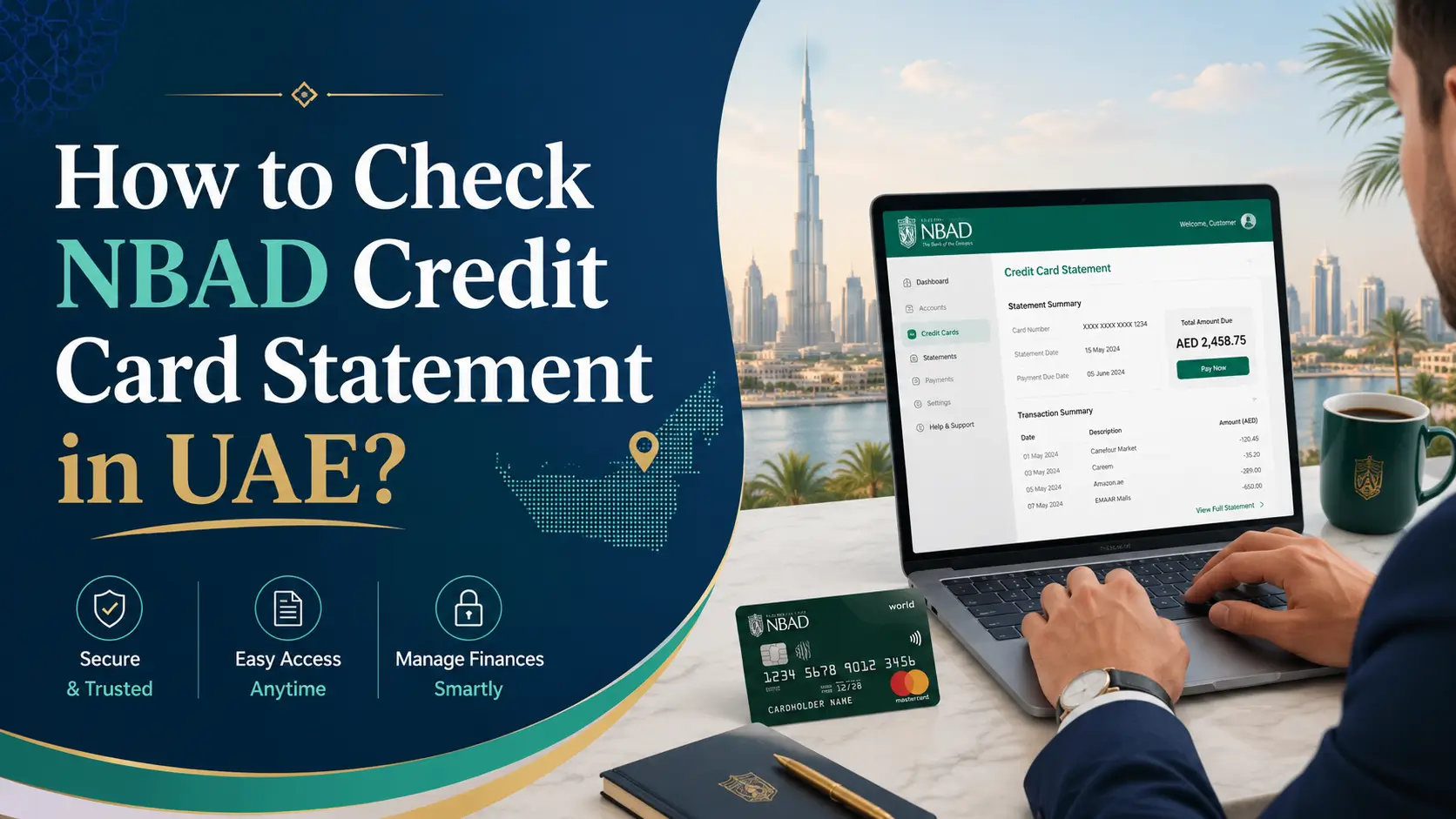
If you’re still using cards bearing the NBAD brand on it You may be asking what you should do to look up your monthly statement for your credit card. This is the basic information: National Bank of Abu Dhabi joined forces together with First Gulf Bank in 2017 to create First Abu Dhabi Bank (FAB) which means that the NBAD credit card is fully serviced by FAB’s digital as well as physical banking channels. There’s a good thing about this: the process of checking your balance is simple after you’ve identified which bank to utilize.
A Quick Note on the NBAD-FAB Merger
A lot of cardholders seek “NBAD” simply out of practice, because some older papers and cards still bear the brand’s original logo. The merger was concluded on March 30th, 2017 and created one of the biggest banks within the Middle East. This means that each NBAD credit card account statement is currently stored in the FAB account. There’s an independent “NBAD portal” to search for.
Method 1: FAB Mobile Banking App
It is the quickest and the most frequently used choice.
-
Install FAB Mobile, the FAB Mobile app from the App Store or Google Play
-
Register using the registered mobile number you have as well as your credentials. You can also complete your first registration by using an OTP that is sent to your mobile
-
Click on the Cards or Credit Card section
-
You can view your statements by tapping Statements. recent and previous billing cycles
-
Save the document in PDF format for documents or as the documentation for your visa or loan
The first time you sign up, you must have a registered mobile number to correspond to that you have on file with the bank. Once you have registered, the system generates an OTP which expires in just a couple of minutes.
Method 2: FAB Online Banking Portal
If you would rather use the laptop or desktop version:
-
Visit the FAB’s official FAB website, and then select Online Banking
-
Log in, then select your account and go to “Statements” to download or request a copy.
-
Select the month of your billing that you would like to examine
-
Print or save the PDF straight using your browser.
Method 3: SMS or Phone Banking
Quick balance checks, without opening an app
-
For assistance, call FAB customer support and choose the option for credit card in the menu that is automated.
-
Follow the IVR instructions, select the card or account services then enter your account details or card number for verification.
-
The agent should resend your most recent statement to the email address you have registered If you’re unable to view it electronically
Method 4: Visit a FAB Branch
If you require a certified or printed copy of the document:
-
Go to any FAB branch wearing your Emirates ID and card information.
-
You can request a printed statement or a complete transactions history when you go to the counter
-
This technique is helpful to apply for visas as well as loan processing. documents that require an official bank stamp
Method 5: Email E-Statements
A majority of FAB credit card customers have automatic enrollment into monthly e-statements that are delivered to registered email addresses with a password-protected PDF. If you’re not getting these:
-
First, check your junk/spam folder.
-
Verify that your email address has been up-to-date by opening the FAB app, under Profile Settings.
-
Contact customer support to enable the delivery of electronic statements
How to Read Your Statement Once You Have It
A typical statement from a credit card contains:
-
Statement period refers to the date of the billing cycle that is included
-
The total amount due as well as the minimum amount due for payment
-
The due date for payment is the day you mark this day to avoid fees for late payments
-
The transaction list includes the name of the seller along with the date, amount, and total of each transaction
-
Summary of cashback or rewards the points that were earned and then redeemed in the course of the period
-
The balance of the previous month’s payments and prior balances
Common Issues and How to Fix Them
-
The statement is not being delivered via email. Verify the email address you have registered and then check your spam folders
-
It won’t show statements from the past – certain apps display only the most recent 6-12 months. Older accounts need a branch or a phone inquiry
-
Charges not recognized – Report the disputed transaction to customer service in the timeframe that is on your bill
-
For login issues, reset your password using”Forgot Password” or “Forgot Password” option or contact support in the event that OTPs aren’t showing up
Security Tips
-
Don’t give out your OTP PIN with the full card number via either email or phone.
-
Always check your account through the official application or bankfab.com Not through third-party websites
-
Set up transaction alerts to be informed of each cost in real-time
-
Resign from bank online sessions using private or shared computers
Frequently Asked Questions
Is NBAD an independent bank apart from FAB?
No. NBAD has merged with First Gulf Bank in 2017 All NBAD accounts as well as cards are now administered by FAB. FAB brand.
Where can I find my NBAD credit card’s account on the internet?
Log into FAB Online Banking and the FAB Mobile application. Go to the cards section choose Statements and then click View to review or download the history of your credit card bill.
Do I have to use an older NBAD-branded credit card?
Yes, the older cards are valid till expiration, but every transaction and statement is processed by FAB’s computer systems.
What’s the longest time I can see my bank statements on the application?
A majority of apps allow as long as 12 months worth of records; more recent ones generally require a visit to a branch or a request for customer service.
Do I have to go to an office to obtain my account statement?
Statements can be downloaded via the web or app however a visit to a branch is helpful for printed copies.
If I don’t get the monthly e-statement?
Make sure you check your junk mail folder, verify your email on the app, then call customer support if the issues persist.
What can I do to dispute the transaction that appears on my account statement?
Make contact with FAB customer service immediately and ideally during the window for disputes mentioned in the statement. You must also include the details of the transaction.
Is there a cost to download my credit card statements?
The digital statements that you can download through the app or on the web are usually cost-free; however, printing or signing certified copies available at the branch might be subject to a modest cost.
What can I do to verify my statements by SMS?
SMS is mostly used to send the purpose of alerting you to balances instead of complete statements. However, you could request delivery of statements via email using the phone banking.
What can I do in the event that I’ve forgotten the password to my online bank account?
You can use your “Forgot Password” option on the site or application and then contact FAB customer support to reset your login credentials safely.
Related:
Ratibi Card Balance Check Online | Complete FAB Guide
How to Check Balance in NBAD Card? | Complete Guide for FAB/NBAD Card Users
Change NBAD Salary ATM Card PIN (Complete Step-by-Step Guide)
Share this article

Written by : Barika Awad
Barika Awad writes for UAE Script, specializing in UAE finance and lifestyle content — from bank services to visa and residency guides. She's passionate about making official processes easier to understand for expats and residents alike.
Follow us
A quick overview of the topics covered in this article.
Latest articles

September 19, 2026
September 19, 2026